Occasionally, you may encounter issues logging into PointClickCare (PCC). This guide will show you how to troubleshoot some of the most common errors.
"There was an error logging you in"
"This login is NOT VALID from your current location of..."
"The application you are trying to use is not authorized for your organization"
"There was an error logging you in"
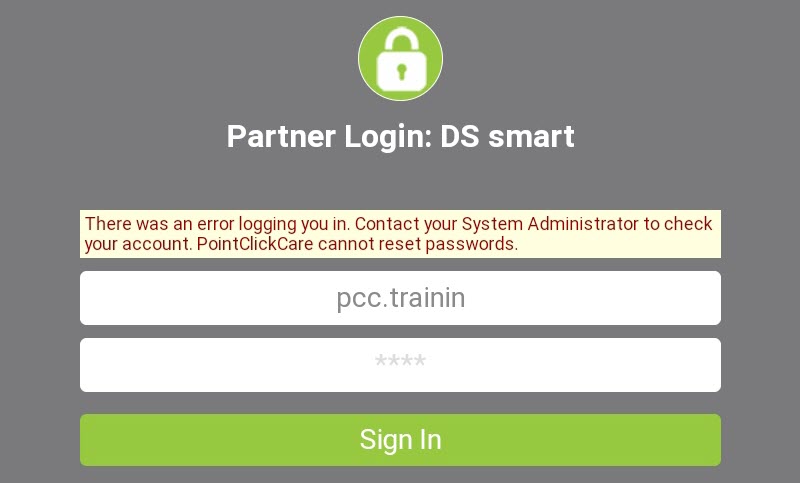
- Ensure the full username is being entered, including the corporation prefix.
- i.e., "sa.susanjones" - not just "susanjones"
- i.e., "sa.susanjones" - not just "susanjones"
- Ensure POC credentials are not being used.
If neither of these solutions work, please contact PointClickCare Support for assistance.
"This login is NOT VALID from your current location of..."
PointClickCare restricts logins using two mechanisms:
- IP Address Masks: This ensures that logins can only originate from your company's network. Read more about it in PointClickCare's Help document, Managing IP Address Masks.
- Geolocation Filtering: PointClickCare has a rule that restricts access from locations outside North America.
In both cases, please contact your IT Support or PointClickCare Support for assistance.
"The application you are trying to use is not authorized for your organization"
This indicates the organization or facility is not active with the PointClickCare + DS smart integration. To resolve, DS smart will need to activated in the PCC Marketplace.